
myBuddy
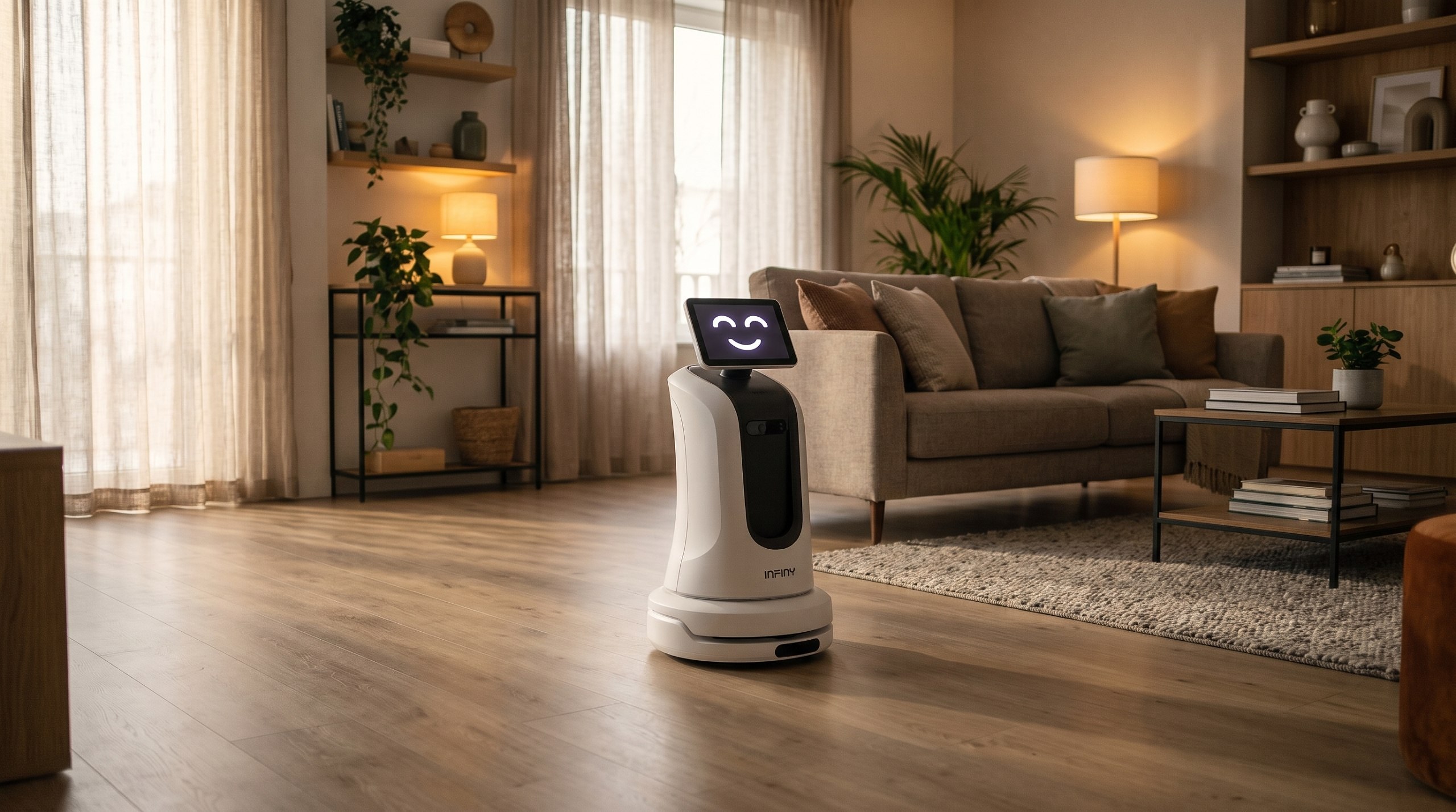
LifeOS's body
in the home.
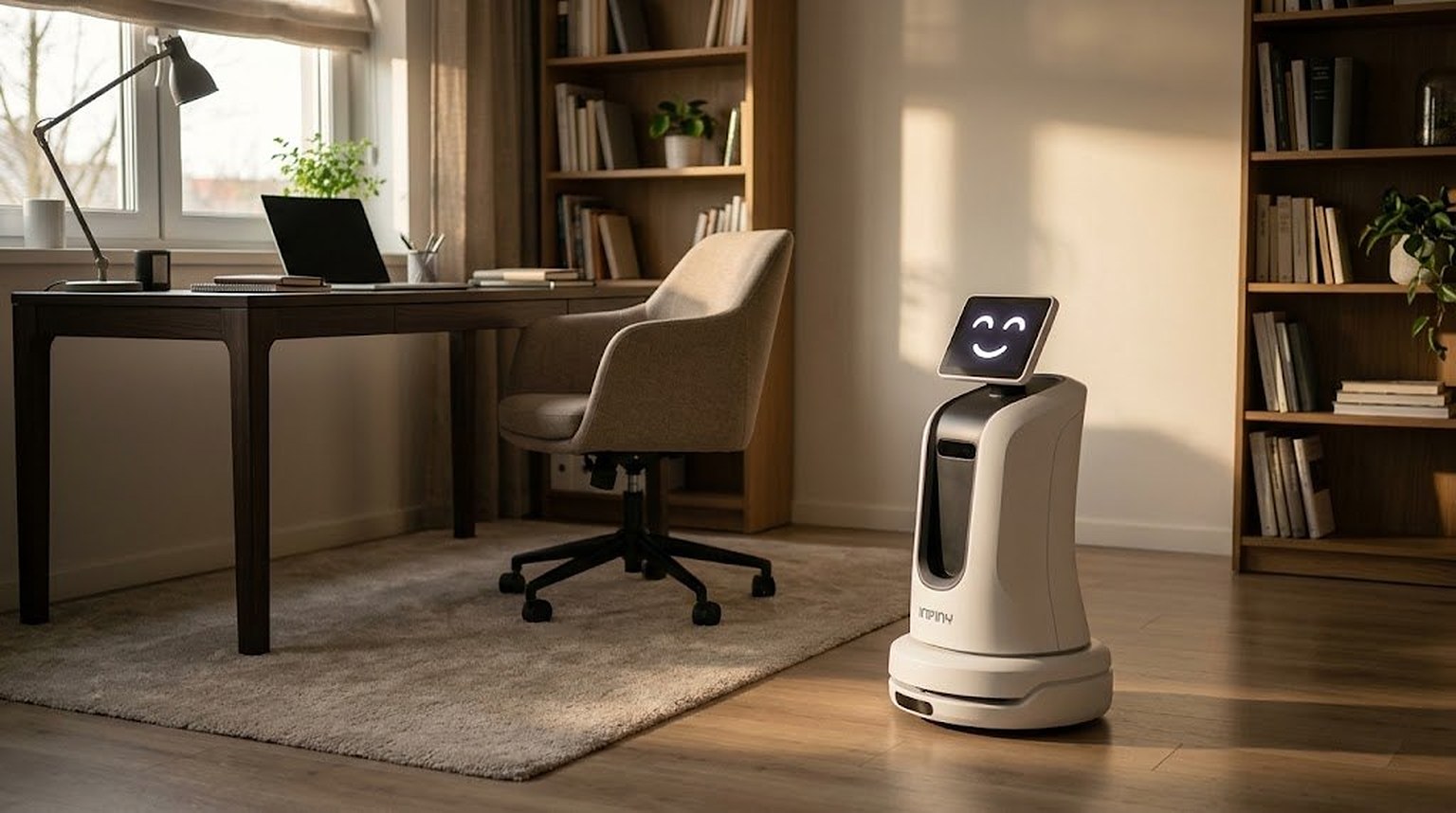
Slim, white, about 87.5 cm tall, with a display head for a friendly face.
 Design concept
myBuddy in daily life
There when you need it.
 Design concept
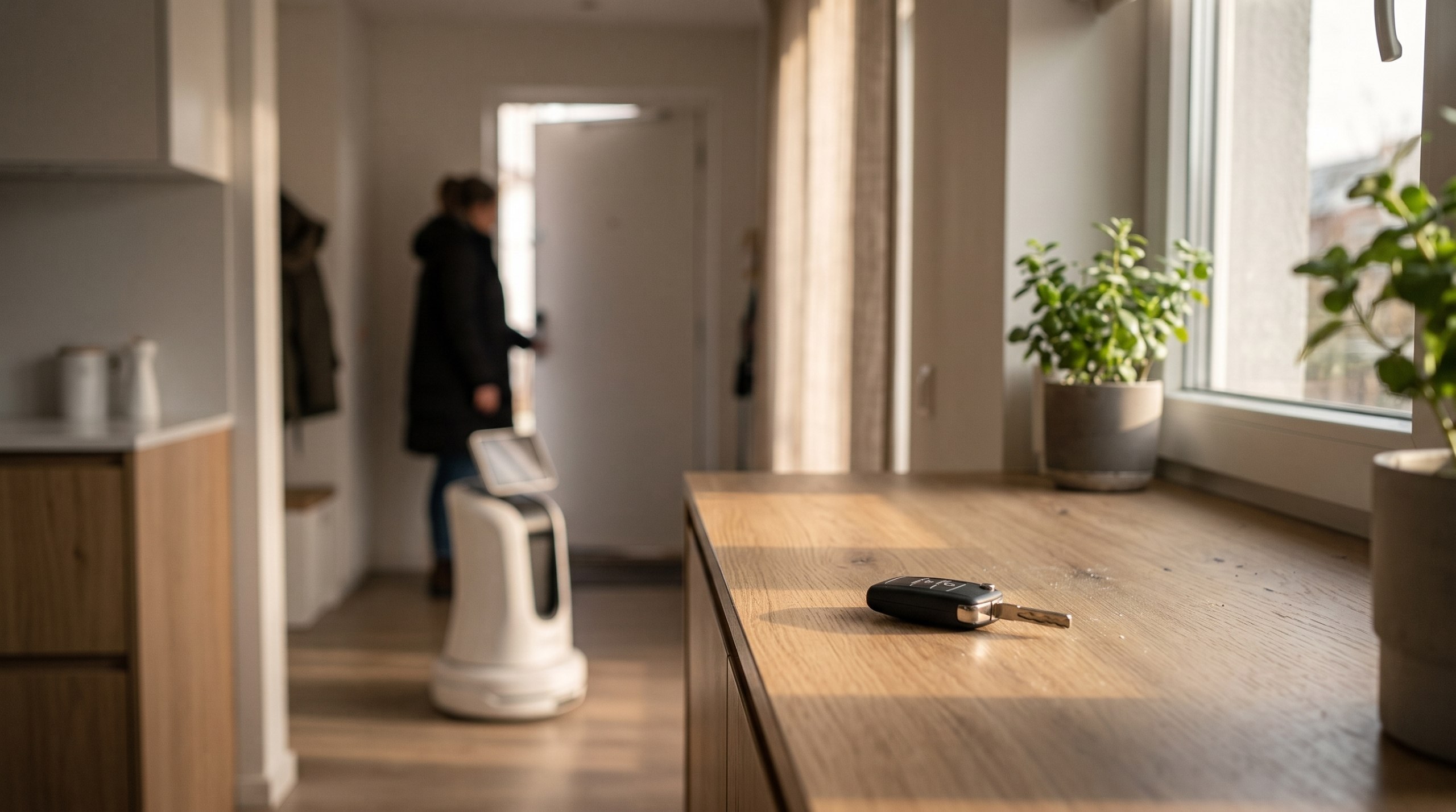
"Your keys are on the kitchen windowsill."
Nobody asked.
Design concept. Visualisations and illustrative scenarios.
What it does in the home
Look into another room
It goes there and shows you what you want to know.
Help find things
Keys, glasses, school bag: it helps you find them again.
Check in on family members
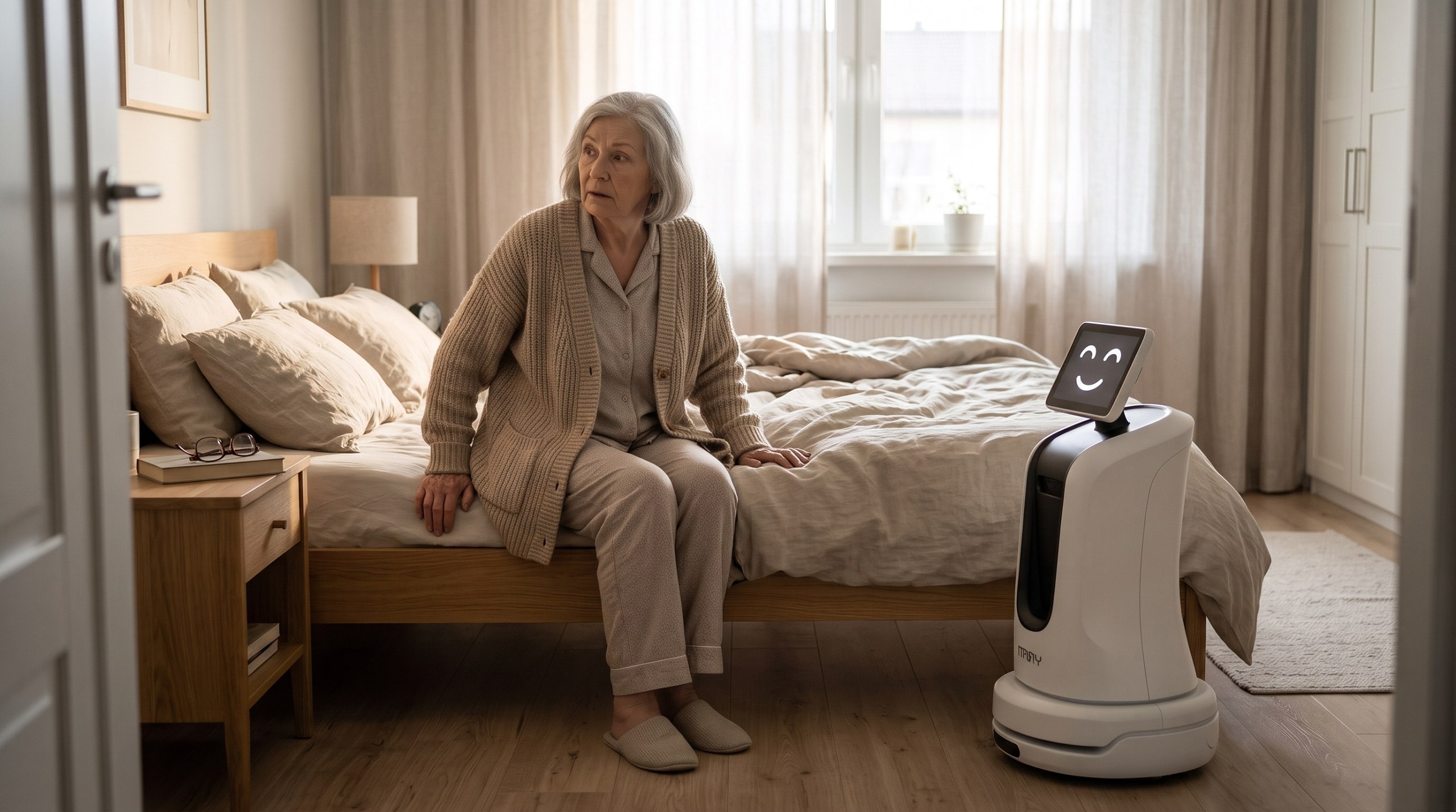
A friendly check-in or a video call, without anyone having to pick up a device.
Remind
The appointments and routines your family cares about, quietly and at the right time.
Over time, myBuddy will learn to lend a hand. Optional local compute keeps even heavy AI inside the home.
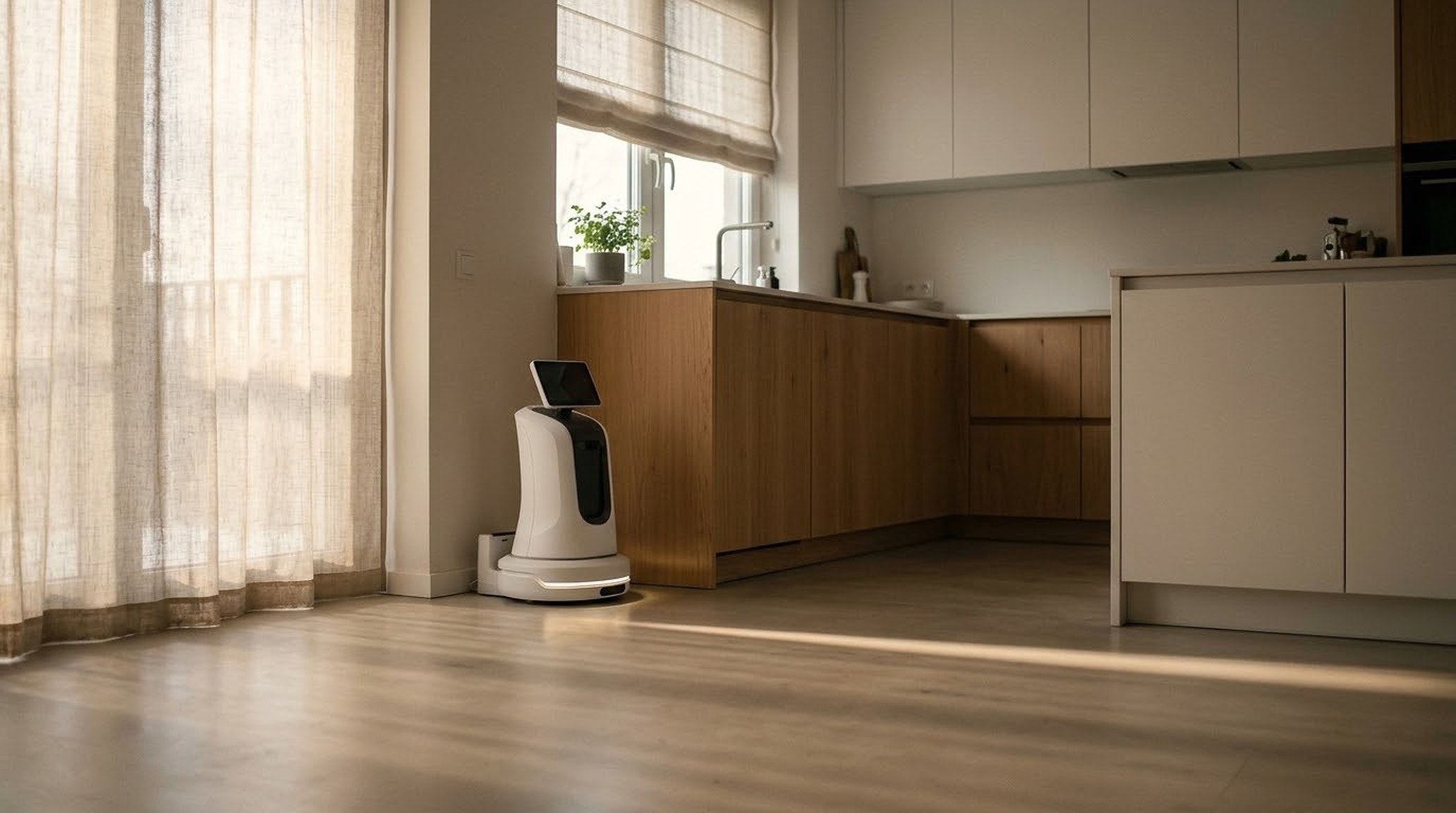
At home in every room.
Everyday scenarios
An interactive simulation of a fictional family home. Pick a scenario and watch LifeOS and myBuddy work together.
Our privacy promise
The AI runs in the home. Images and video stay in the home. You decide what the robot remembers, and you can delete it.
myBuddy is not a medical device, not an emergency service and not a child-supervision device.